Intelligent automation in 2026: a practical guide to growing without adding headcount
What intelligent automation is, how it differs from basic bots, where it pays off in a small business, and a five-step plan to roll it out without chaos.
Key takeaways
- Intelligent automation combines bots that do the clicking, AI that reads documents and messages, and process rules that decide who handles what.
- It handles messy inputs (PDFs, emails, scans) and flags uncertain cases for a person instead of breaking.
- Benchmarks give you a target: the average invoice takes 9.2 days and $9.40 to process; best-in-class teams manage 3.1 days and $2.78 (Ardent Partners, 2025).
- Roll it out in five steps: pick the workflow, clean the data, pilot one process, train the people who handle exceptions, then review weekly.
- Measure your own baseline before you build, or you'll never know what it saved.
Basic automation is the if-this-then-that kind. When a form arrives, send an email. When a deal closes, create a folder. It's useful, and it breaks the moment real life gets untidy.
A supplier changes their invoice template. A client replies to a booking email with "can we do Thursday instead, and also my address changed." A scanned receipt comes in sideways. Simple bots stop, and someone on your team picks up the pieces.
Intelligent automation (IA) is built for that untidiness. It pairs the speed of bots with AI that can read and interpret, plus rules about when to hand a case to a person. This guide covers what it is, where it pays off in a small or mid-sized business, and how to roll it out without wrecking your Monday.
What makes automation intelligent
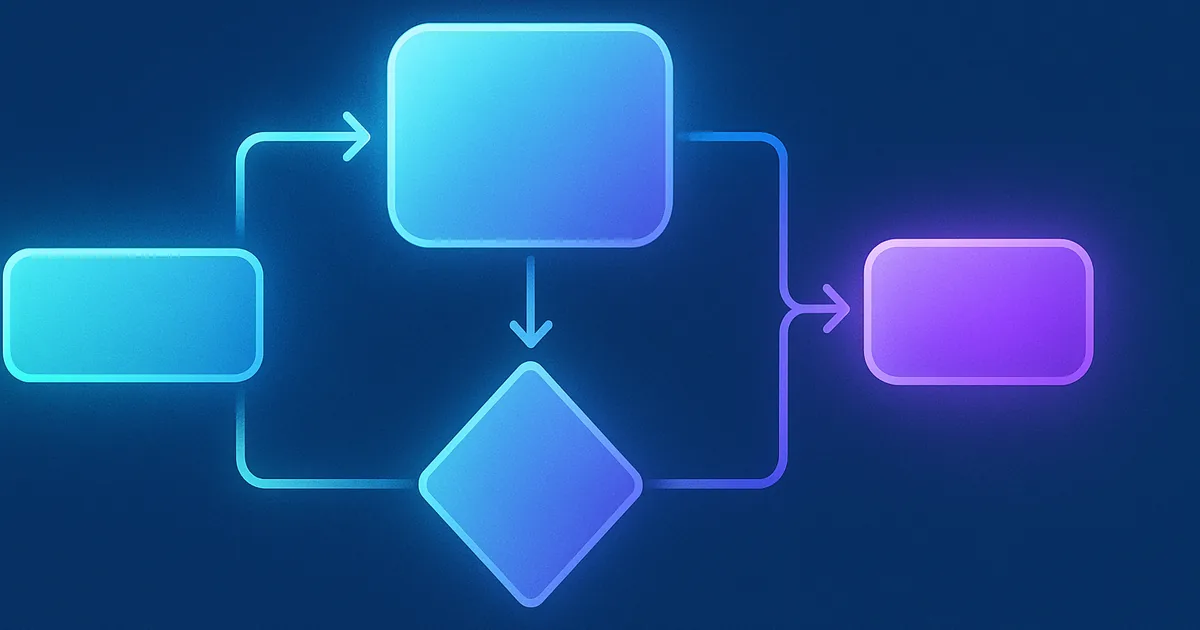
Three pieces work together:
- Robotic process automation (RPA), or screen-clicking bots: the hands. Software bots click, copy, type and file tidy, structured data at machine speed.
- AI (language, vision and machine learning models): the reading. It pulls meaning out of PDFs, emails, photos and chat messages.
- Process management: the traffic control. It decides what goes where, who approves what, and when a human needs to look.
Three things change when you move past basic bots
Basic automation
- Structured data only, and it fails when formats vary
- Follows one fixed path
- Needs a person to update it every time something changes
Intelligent automation
- Reads messy PDFs, casual emails and inconsistent spreadsheets
- Handles common variations and flags the odd ones for review
- Gets better as your team corrects its mistakes and the rules are tuned
One honest note on that last row. IA doesn't improve by magic. It improves because someone reviews the exceptions and feeds the corrections back. Budget a little time for that every week, especially early on.
Where it pays off, department by department
MIT's NANDA initiative found in its 2025 GenAI Divide report that while most corporate AI budgets go to sales and marketing, the biggest returns show up in back-office automation. That matches what small businesses see too. The dull work is where the hours are.
Finance and accounting
Reading supplier bills, matching them to purchase orders, chasing approvals, sending invoices and reminders, and reconciling the bank feed. Ardent Partners' 2025 benchmarks put the average invoice at 9.2 days and $9.40 to process, against 3.1 days and $2.78 for best-in-class teams. That gap is mostly manual handling.
Customer service
Answering routine questions, pulling up order or account details, and drafting replies for staff to approve. Keep expectations sensible: Gartner reported in 2024 that customers fully resolve only 14% of service issues in self-service. Use IA to handle the simple ones and hand the rest to a person with the context attached.
Human resources
Onboarding paperwork, setting up accounts, chasing missing documents and tracking training or certification renewals.
Sales and marketing
Capturing leads into the CRM, replying in seconds, enriching records, sequencing follow-ups and building the weekly pipeline report. Salesforce's 2024 State of Sales survey found reps spend 70% of their time on non-selling tasks, so there's plenty to take off their plate.
A five-step rollout
Pick the right first workflow
Look for work that's frequent, follows clear rules and costs you when it's late or wrong. Score candidates on frequency, complexity and the cost of an error.
Clean up the data it depends on
IA is only as good as what you feed it. Digitise paper records, merge duplicate customer lists and agree on field formats before you build.
Pilot one bounded process
Prove it on one workflow, with a clear start and finish, before you touch anything else. Run it alongside the old way for a few weeks.
Train the people who handle exceptions
Your team stops doing every item by hand and starts handling the cases the system flags. That's a different job, and it needs a short handover.
Review it weekly, then monthly
Treat it like a new hire. Check its work every week for the first few months, fix the rules where it gets things wrong, and only then widen its scope.
Why we build it for smaller firms
Enterprise automation platforms assume you have an IT department and a year. Most of our clients have neither. So QLIA builds around the tools you already pay for:
- No IT department needed: we connect your existing CRM, accounting, email and calendar
- Live in days, not months: start with one workflow and expand once it's earning its keep
- Visible results: a dashboard showing what was processed, what was flagged and how long it took
- A named strategist: a person you can call when you want to change how something works
The numbers to track from day one
Measure the current state for a week or two before anything goes live. Without a baseline, every result is a guess. As outside reference points:
- Hours a week spent on the workflow, before and after
- Error and rework rate, including items the system flagged
- Cycle time, for example from invoice received to invoice paid
- Response time to customers or leads
- Revenue per employee, to see whether the freed time turned into output
- Net cost: what the automation costs vs. the time and errors it removed
Where to start
Intelligent automation won't fix a process your team hasn't agreed on, and it won't replace judgement. What it does well is take the repetitive middle of the work off people's desks, so they spend their time on the parts that need them.
Book a free strategy session and we'll help you pick the first workflow, measure where it stands today and plan the build. Plans start at $499/month.
Frequently asked questions
It combines robotic process automation (bots that click and enter data), AI that reads documents and messages, and process rules that route work and decide when a person should step in.
Basic automation needs structured data and follows one fixed path. Intelligent automation reads messy inputs like PDFs and emails, handles common variations and flags uncertain cases for review.
Usually in the back office. MIT's 2025 GenAI Divide research found the biggest AI returns in back-office automation. For small businesses that means finance and accounting, routine customer service, HR paperwork and sales admin.
Pick one frequent, rule-based workflow, clean the data it depends on, pilot it alongside the old process, train staff to handle flagged exceptions, and review it weekly for the first few months.
Hours spent on the workflow, error and rework rate, cycle time, customer response time, revenue per employee and net cost. Measure a baseline before you go live.
Sources
- What does it cost to process an invoice? AP benchmarks every finance team should know (citing Ardent Partners, Accounts Payable Metrics That Matter 2025)WEX · Jan 1, 2025
- MIT report: 95% of generative AI pilots at companies are failing (The GenAI Divide: State of AI in Business 2025)Fortune · Aug 18, 2025
- Only 14% of Customer Service Issues Are Fully Resolved in Self-Service (Gartner)Destination CRM · Sep 12, 2024
- Salesforce Report: Sales Teams Using AI 1.3x More Likely to See Revenue Increase (State of Sales, 6th edition)Salesforce · Jul 25, 2024
- Manual Data Entry Costs U.S. Companies $28,500 Per Employee Each YearParseur · Jul 29, 2025